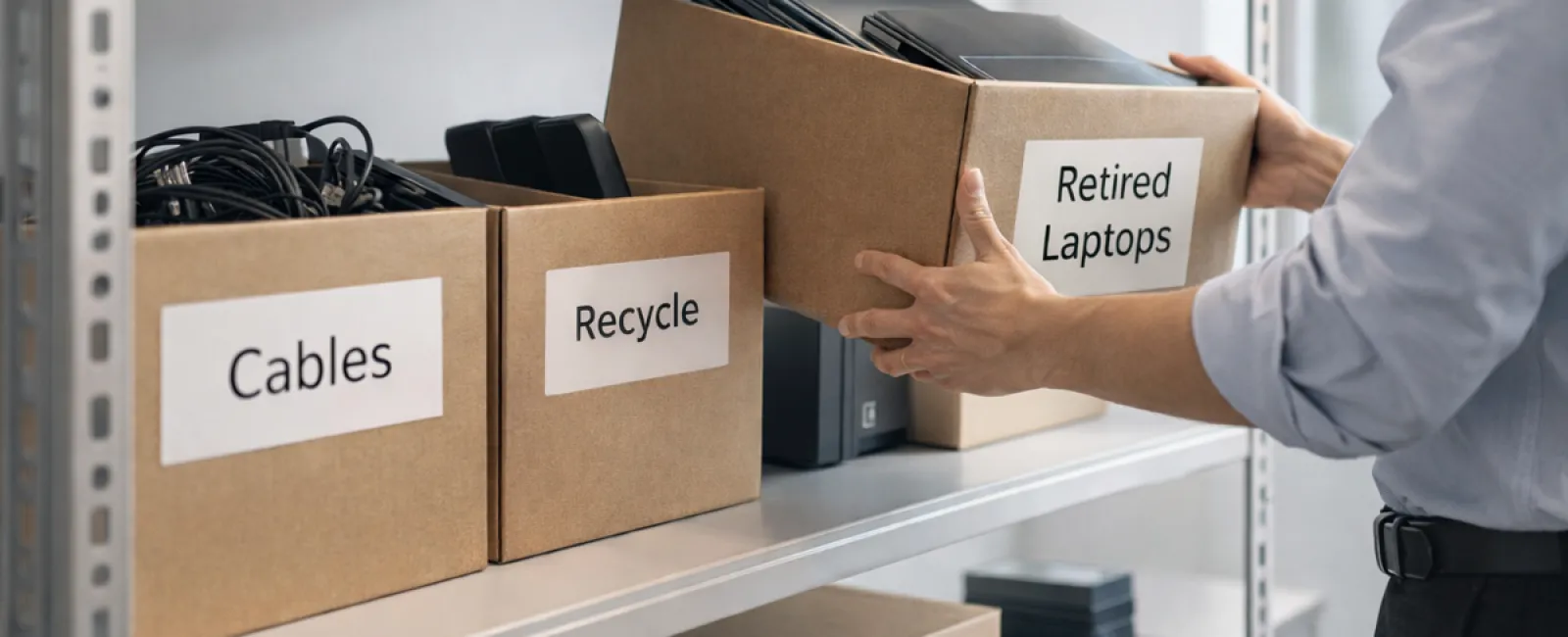
While spring cleaning often focuses on closets, many businesses face a bigger mess beyond their shelves.
The clutter might be in server racks, storage rooms, back offices, or piled in a "we'll sort this later" box.
Old laptops, outdated printers, backup drives from years ago, and boxes of cables kept "just in case"—sound familiar?
Almost every business accumulates technology clutter over time.
The question isn't if you have it, but how you plan to handle it moving forward.
Technology Follows a Lifecycle, Not Just a Purchase Date
Upgrading technology usually comes with clear benefits: faster speeds, enhanced security, improved capabilities, and growth support.
Most companies strategize technology purchases, but far fewer plan thoughtfully for retiring old gear.
Equipment retirement often happens passively: devices are replaced, set aside, and later cleared out.
While this is typical, it's uncommon to approach equipment retirement with the same care as acquisition.
Old devices can still hold value, recyclable materials, and sensitive data. Left unmanaged, they create clutter and inefficiency.
The spring season is a perfect opportunity to evaluate: what tech is still useful, and what's just taking up space?
A Step-by-Step Guide to Streamline Your Tech Cleanup
If you want to move beyond vague intentions, try our straightforward four-step framework to organize and retire your technology effectively.
Step 1: Take Inventory
Identify exactly what equipment needs retiring: laptops, phones, printers, networking gear, external drives? You can't manage what you don't know you have. A quick walk-through often uncovers many surprises.
Step 2: Choose The Right Path
Each device generally fits into one of three paths: reuse (internally or as donations), recycle (via certified electronic waste programs), or destruction (for sensitive data). Deciding intentionally prevents devices from lingering in limbo.
Step 3: Properly Prepare Devices
This step is crucial. For reused or donated equipment, ensure removal from management systems, revoke user access, and perform certified data wipes—not just factory resets. Files deleted or quick formats only hide data, they don't erase it.
A study by Blancco revealed that 42% of secondhand drives on eBay still contained sensitive information, despite claims of proper wiping. Certified erasure tools overwrite every sector and provide a verification report.
For recycling, never discard business electronics in regular trash or curbside bins. Best Buy's recycling program only accepts household waste, not commercial equipment. Use certified IT asset disposition (ITAD) providers or specialized e-waste recyclers with e-Stewards or R2 certification, which your IT provider can help coordinate.
If destroying devices, opt for certified data wiping or physical destruction methods such as shredding or degaussing, and keep detailed records including device serial numbers, methods, dates, and handlers.
This ensures your data is secure and your disposal process is complete.
Step 4: Document and Close the Loop
After equipment leaves your premises, track where it goes, how it was processed, and confirm access removal. Keep thorough documentation to avoid any future uncertainties.
Devices Often Overlooked in Tech Cleanups
Laptops get attention, but many other devices don't.
Phones and tablets may still hold email accounts, contacts, and authentication apps. Factory resets handle most data, but certified mobile wipe tools provide deeper security. Manufacturers like Apple and Samsung offer trade-in programs for old devices, often providing credit toward new purchases.
Modern printers and copiers commonly contain internal hard drives storing every document printed, scanned, or faxed. When returning leased copiers, get written confirmation that hard drives will be wiped or removed prior to redeployment.
Batteries are classified as hazardous waste by the EPA. Many states prohibit businesses from throwing rechargeable batteries in regular trash. Remove batteries when possible, tape terminals to prevent shorts, and use certified drop-off sites like those listed on Call2Recycle.org. Staples, Home Depot, and Lowe's also accept rechargeable batteries in most locations.
External drives and old servers often get forgotten in closets, but deserve the same retirement procedures as other equipment.
Recycling Electronics: What You Should Know
April's Earth Day highlights the importance of responsible e-waste disposal.
With over 62 million metric tons of e-waste produced annually and only 22% properly recycled, electronics should never end up in landfills. Batteries, monitors, and circuit boards require specialized recycling streams. Most communities provide certified e-waste recycling options for businesses.
Handled correctly, retiring technology is efficient, environmentally sustainable, and strategically smart. You can safeguard security while embracing responsibility.
This commitment also resonates positively on your company's social media, showing customers your business acts responsibly without fanfare.
Unlocking Greater Value from Tech Refresh
Spring cleaning isn't just about removing clutter; it's about creating space for growth.
Clearing outdated tech is essential, but it's equally important to ask: Is our technology truly aligned with our business goals?
While hardware cycles in and out, software, automation, and systems design drive lasting productivity and profitability.
Responsible equipment retirement cleans house. Strategically aligning technology powers your business forward.
How We Support Your Technology Journey
If your equipment retirement process is already straightforward and effective, that's fantastic—we aim for it to be easy and reliable.
If you're ready to review your technology stack, systems integration, and processes beyond hardware replacement, we'd welcome the opportunity to chat.
There's no sales pressure or equipment checklist—just a clear, practical conversation about optimizing technology to boost your productivity and profits.
Click here or give us a call at (858) 538-4729 to schedule your free Consultation.
Know a business owner who might benefit? Please share this insight.
Remember, spring cleaning goes beyond closets—it includes the systems powering your business.