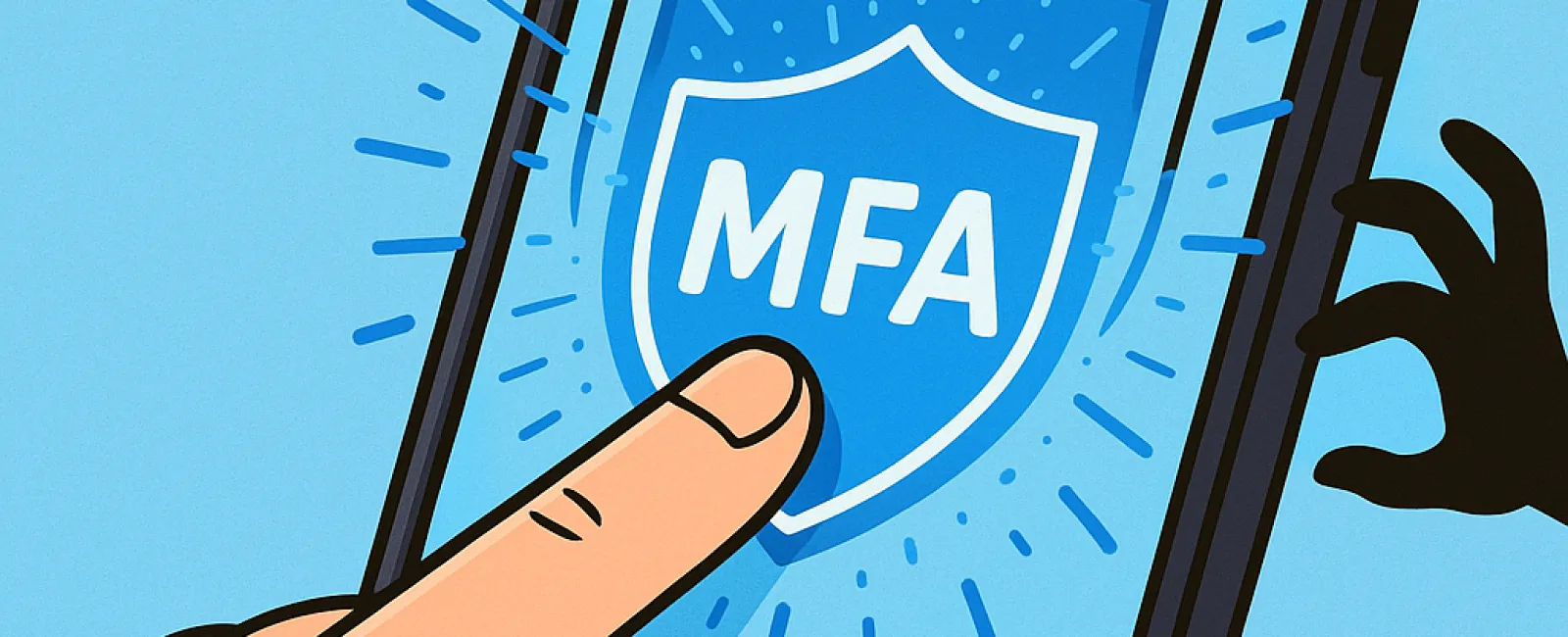
Imagine never leaving your house unlocked or driving without a seat belt—so why risk going online without multifactor authentication (MFA)?
MFA acts as an extra barrier, like a second lock on your digital door. Instead of just relying on a single password—which can be easily stolen, guessed, or phished—it adds an additional verification step. This might be a text message code, an authenticator app prompt, or even a fingerprint scan. Even if someone gets hold of your password, they won't be able to break in without this critical second layer.
One Simple Step That Transforms Your Security
Think of your password as locking your front door at night. Adding MFA is like activating your home security system—maybe not strictly necessary, but it gives you peace of mind knowing your security is layered and robust.
MFA introduces a swift extra step to ensure it's genuinely you accessing your accounts. Whether called "two-step verification," "two-factor authentication," or a "one-time password," they're all designed to require two or more forms of identification before access is granted to sensitive data.
This extra security can appear as confirmation emails during account setup, security questions at your bank, text message codes, push notifications, or phone calls. Best of all, most of these only take a moment—a quick tap or code entry is all it takes.
How MFA Protects You When It Matters Most
For you, MFA is quick and hassle-free—just enter a code or approve a prompt. But for hackers, it complicates the game. When an unauthorized login attempt occurs, MFA triggers an alert or requests a code from you, notifying you immediately of the breach. This gives you the precious chance to update your password before any data is compromised.
It also stops attackers even if they manage to obtain your password. Should an employee unknowingly share login details, a hacker still can't bypass that extra verification step. In fact, studies by Microsoft reveal MFA cuts the risk of account breaches by over 99.2%, and for MFA-protected accounts, that figure rises to 99.99%.
Where To Prioritize MFA Setup
Enable MFA on critical platforms, including:
- Banking and financial apps
- Email services and cloud storage
- Social media accounts
- Work accounts, especially those with client or proprietary information
Setting up MFA is straightforward—most major platforms come with built-in options. Simply select the one that fits best with your routine. Installing an authenticator app can further enhance security for staff logins.
In summary, MFA offers a fast, effective, and free way to prevent most account hacks. Spending a few minutes enabling it today can save you immense time and hassle dealing with data breaches in the future.
The simplest way to get started with MFA is to contact your IT provider. Experienced managed service providers (MSPs) can streamline the setup process. If you're looking for cybersecurity experts, click here or call us at (858) 538-4729 to schedule a Consultation with our team now.